Complete product guide

One platform to play, teach and learn chess.

MainChess brings online games, live classrooms, PGN analysis, artificial intelligence, events and communication into one focused experience.

Use the application ribbon to move between playing, learning, analysis, news and your account without losing context.
01 · Play

People, bots and observable games

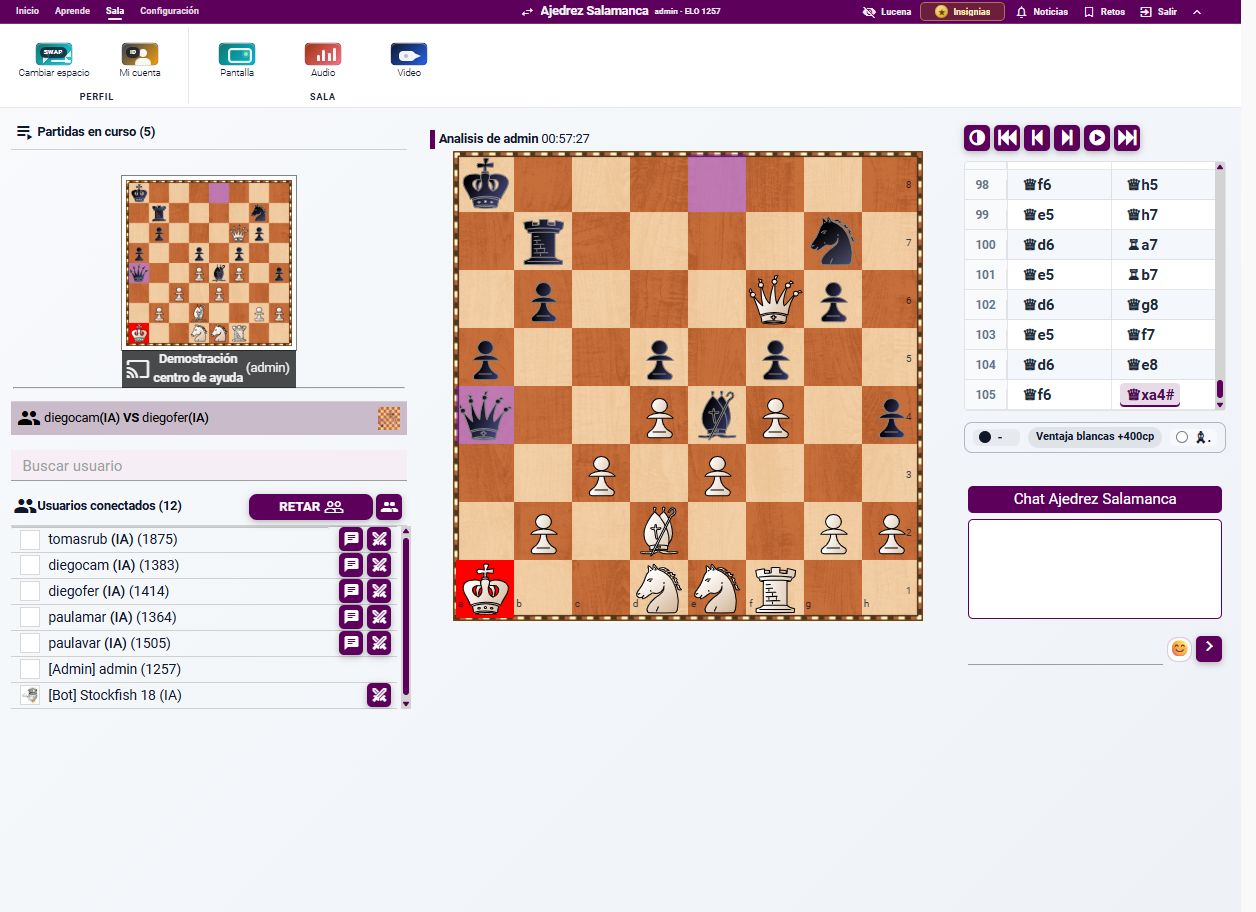
The Room shows active games and connected users. Challenge a bot or another player, or open a game to observe its board and chat.

MainChess room with bots

Play against bots

Choose bots with different levels and practise whenever you want, without waiting for an opponent.
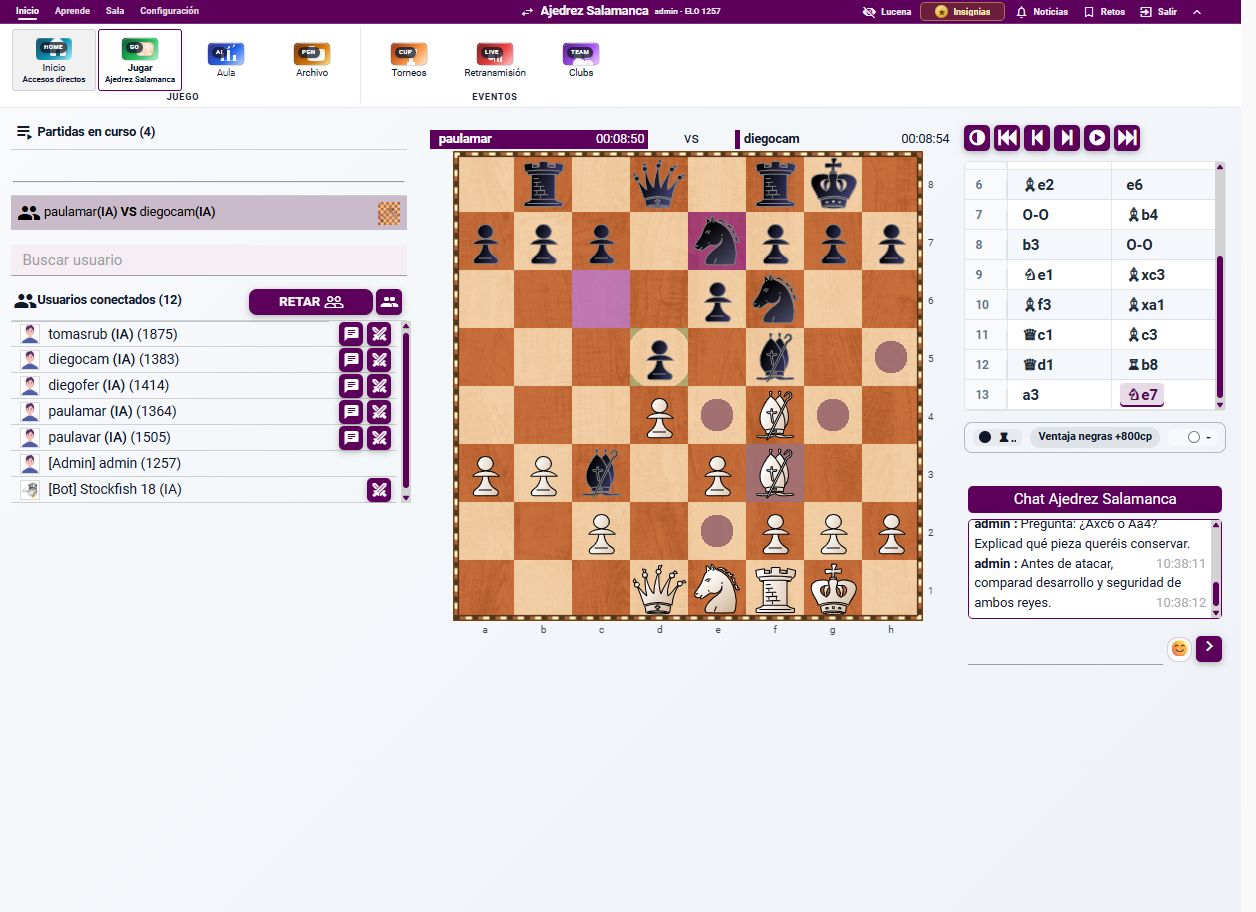
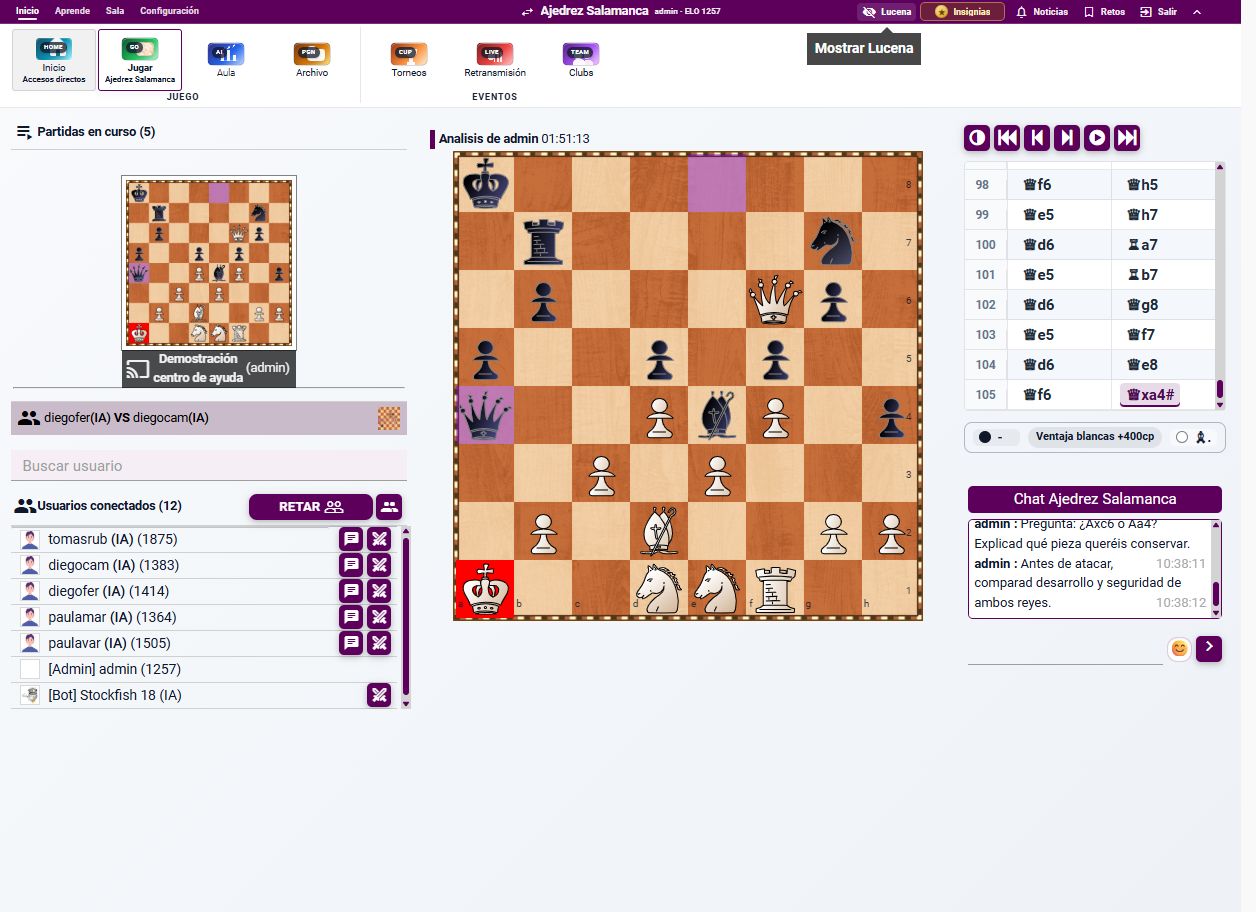
MainChess game room

Interact during the game

Use the board, clocks, move list, material evaluation and chat together while you play or observe.
02 · Teaching

Create a digital classroom

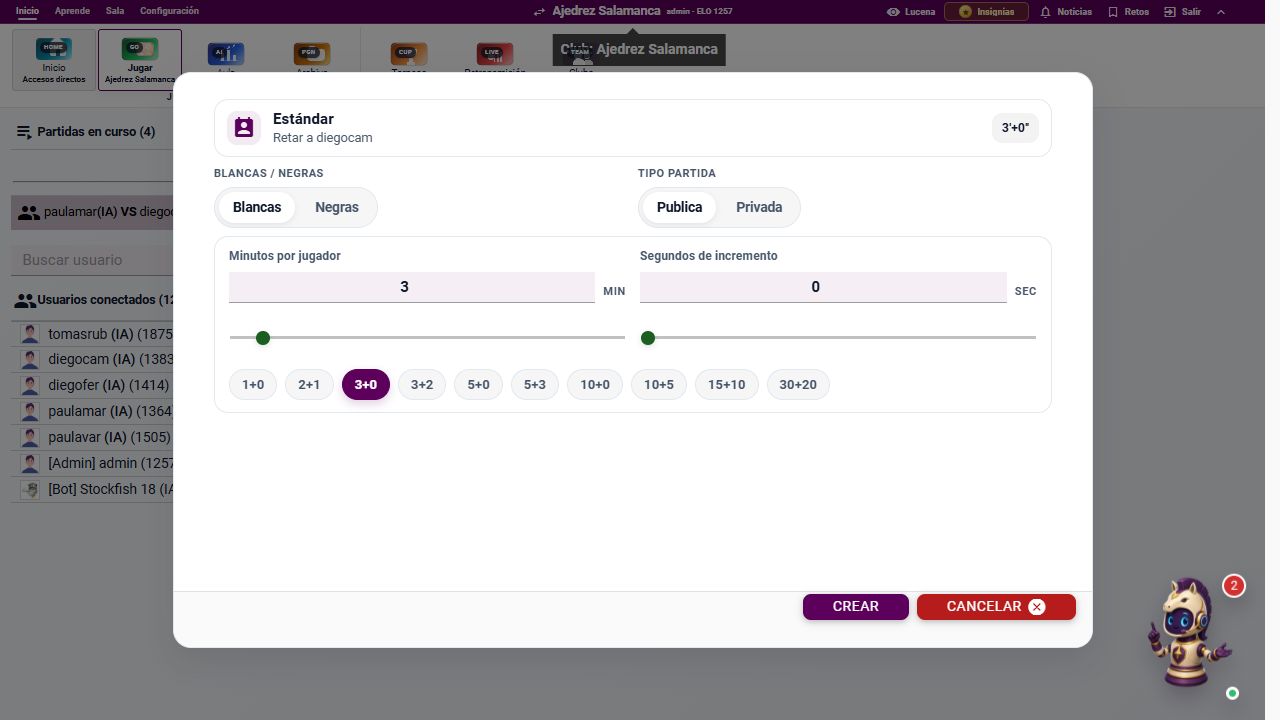
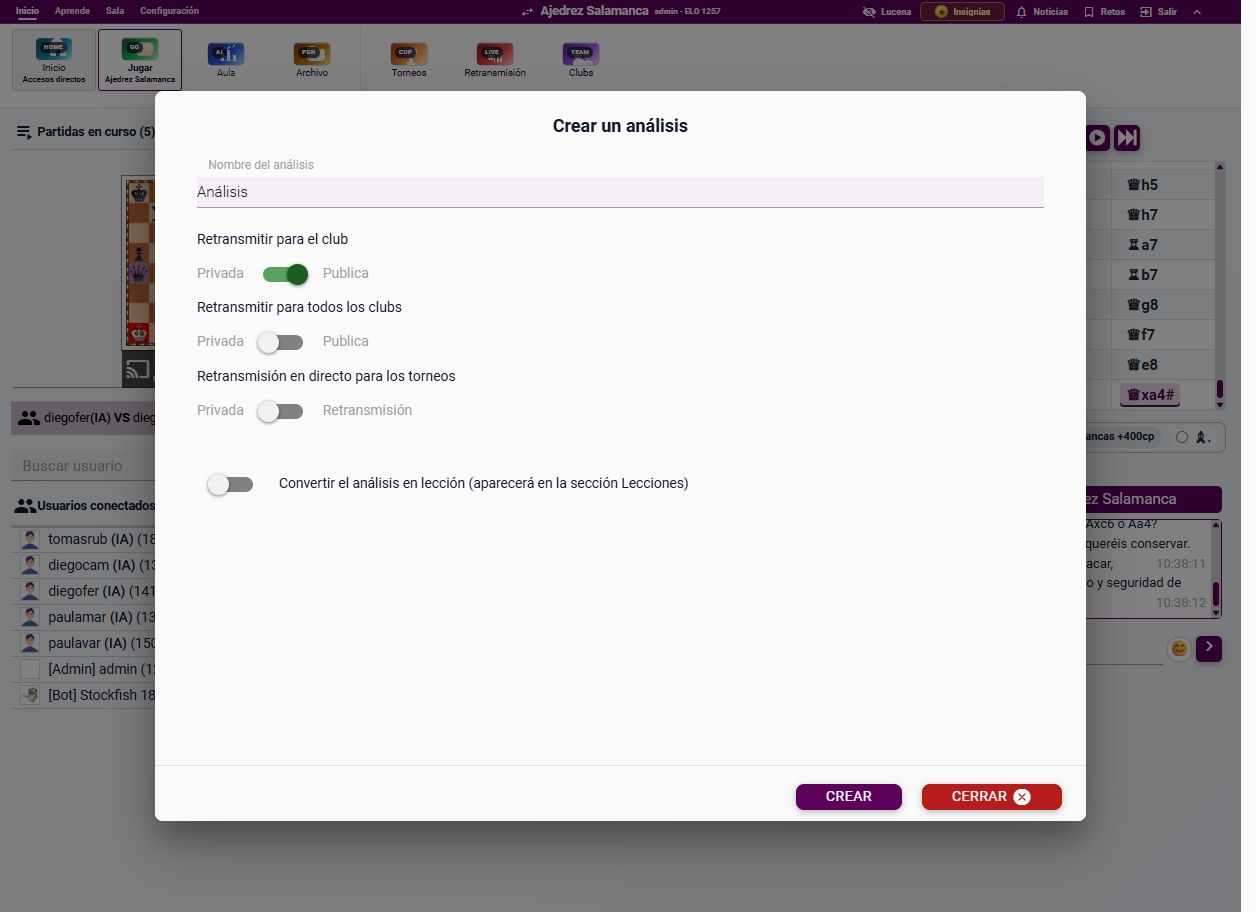
Creating a MainChess classroom
  1. Start from a game, position or PGN.
  2. Give the classroom a clear name.
  3. Choose its club or broadcast scope.
  4. Share the board, media and resources with students.
  5. Use permissions to control analysis, chat and submitted lines.

1

2

3

4

03 · Analysis

Turn a game into a study

Open a saved or imported game and use the contextual tools to study it:
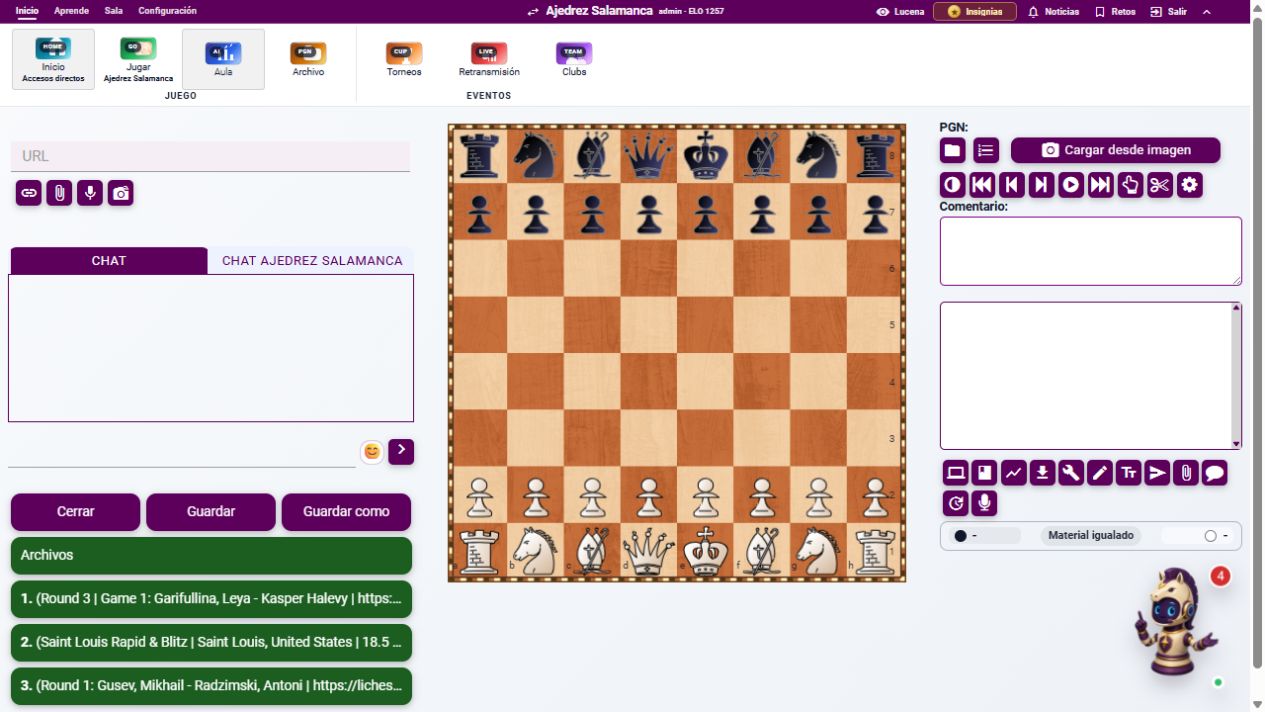
  • Engine analysis and candidate variations.
  • Opening book and endgame tablebases when available.
  • Evaluation graph and critical moments.
  • Comments, arrows, colours and shared resources.
  • Save a clean copy or download a PGN.
MainChess analysis tools
04 · Artificial intelligence

Lucena understands the position

Lucena is MainChess's contextual AI assistant. It can explain the position you are viewing instead of giving disconnected generic advice.
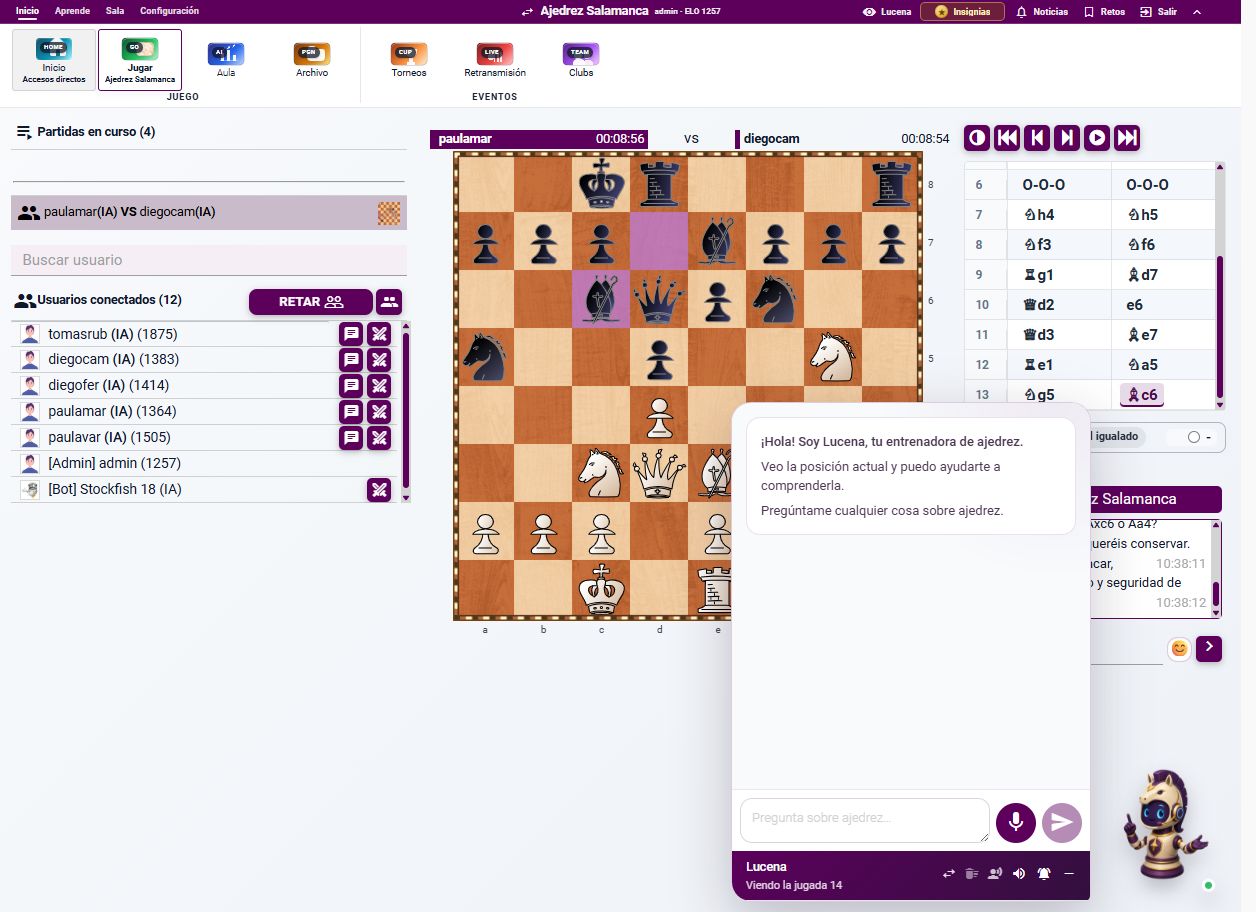
Lucena assistant beside the chessboard

Ask, speak and listen

Ask about plans, threats, mistakes and alternatives by text or voice, then listen to the explanation.
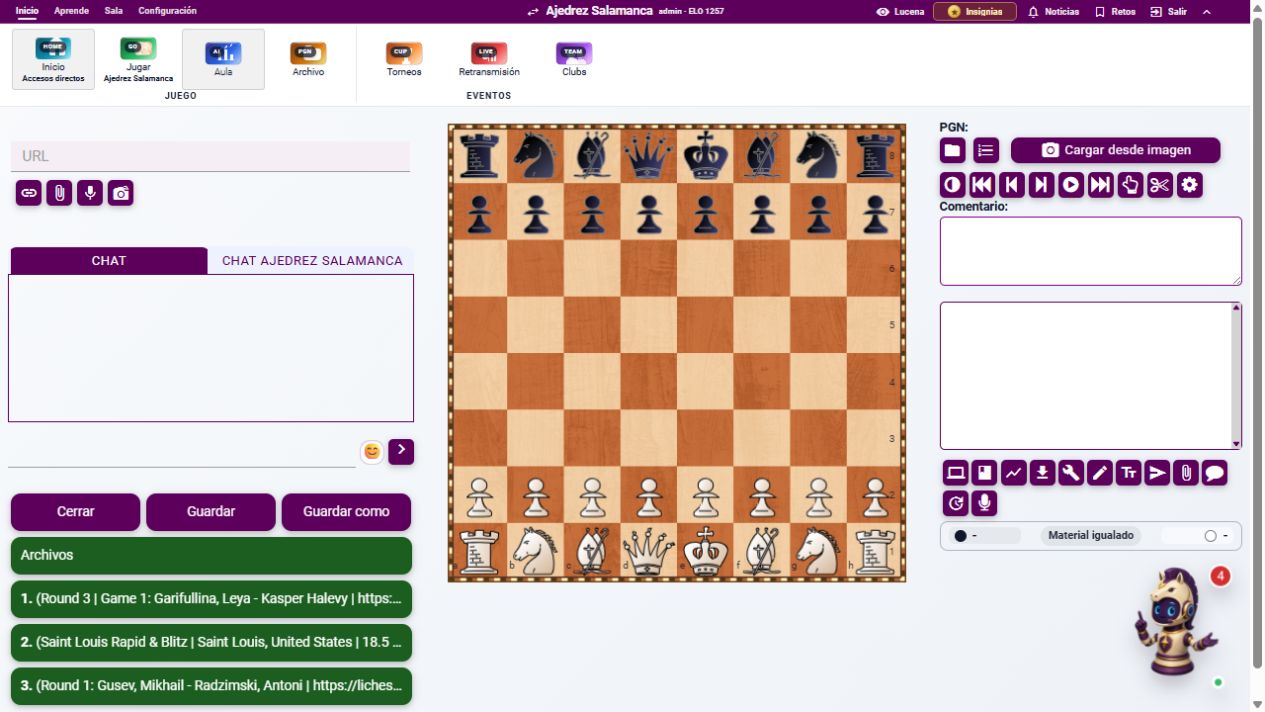
AI comment tools in MainChess

Explain important moments

Generate a comment for the current position or review the critical moments of an entire game with generative AI.
Combine tools: play a bot, pause at a difficult position, ask Lucena for guidance, then check the engine and continue practising.
05 · Learning

Follow your own learning route

MainChess learning menu

Use Fundamentals, Beginner lessons, Exercises, Puzzles, Practice and Lessons to move from an explanation to a real position and then practise it.
  • Study openings and typical positions.
  • Solve tactical puzzles with hints and solutions.
  • Practise openings, middlegames and endgames against the computer.
  • Keep lessons and classroom material in one place.
06 · Events and news

Stay connected to chess

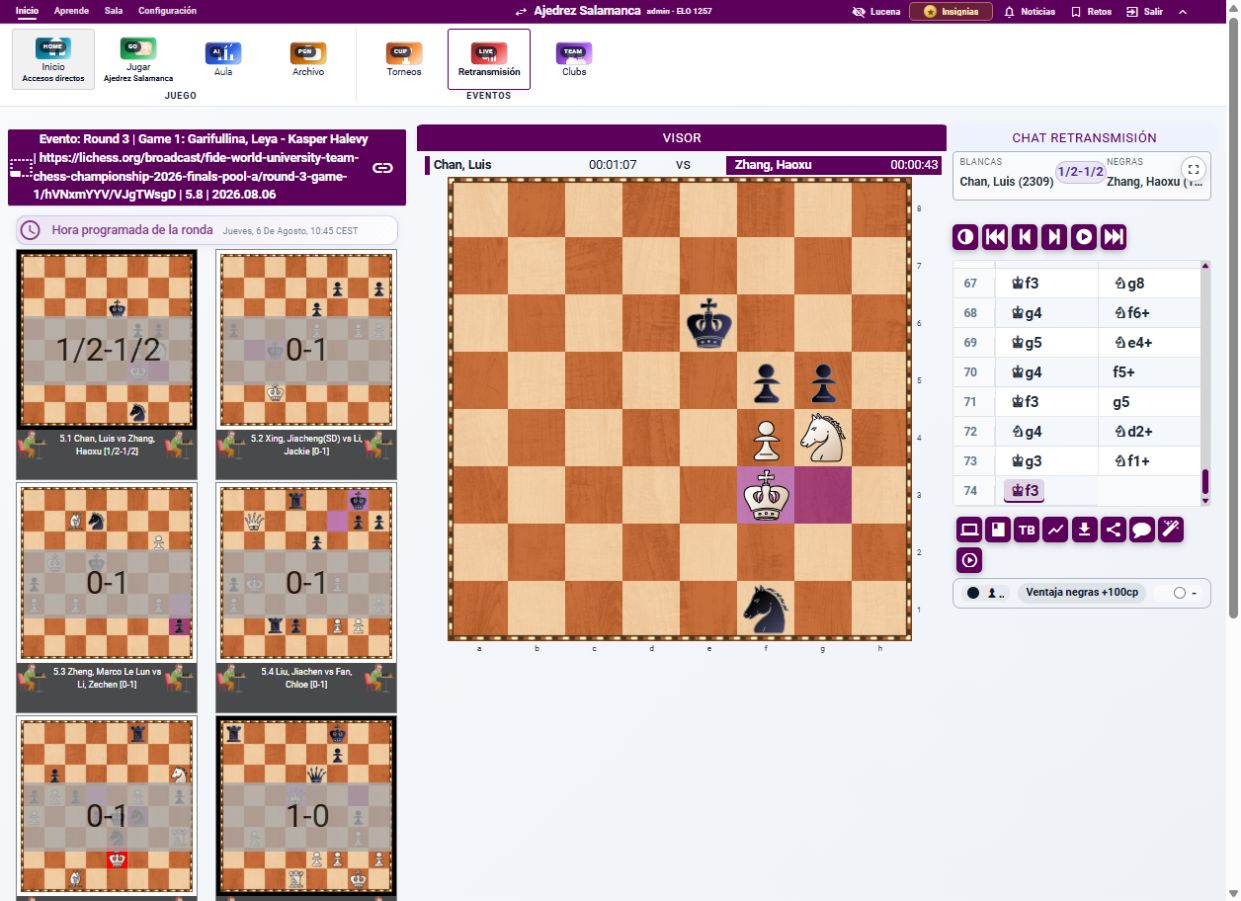
MainChess live broadcast

Live broadcasts

Follow tournaments with boards, clocks, PGN, chat and the main game.
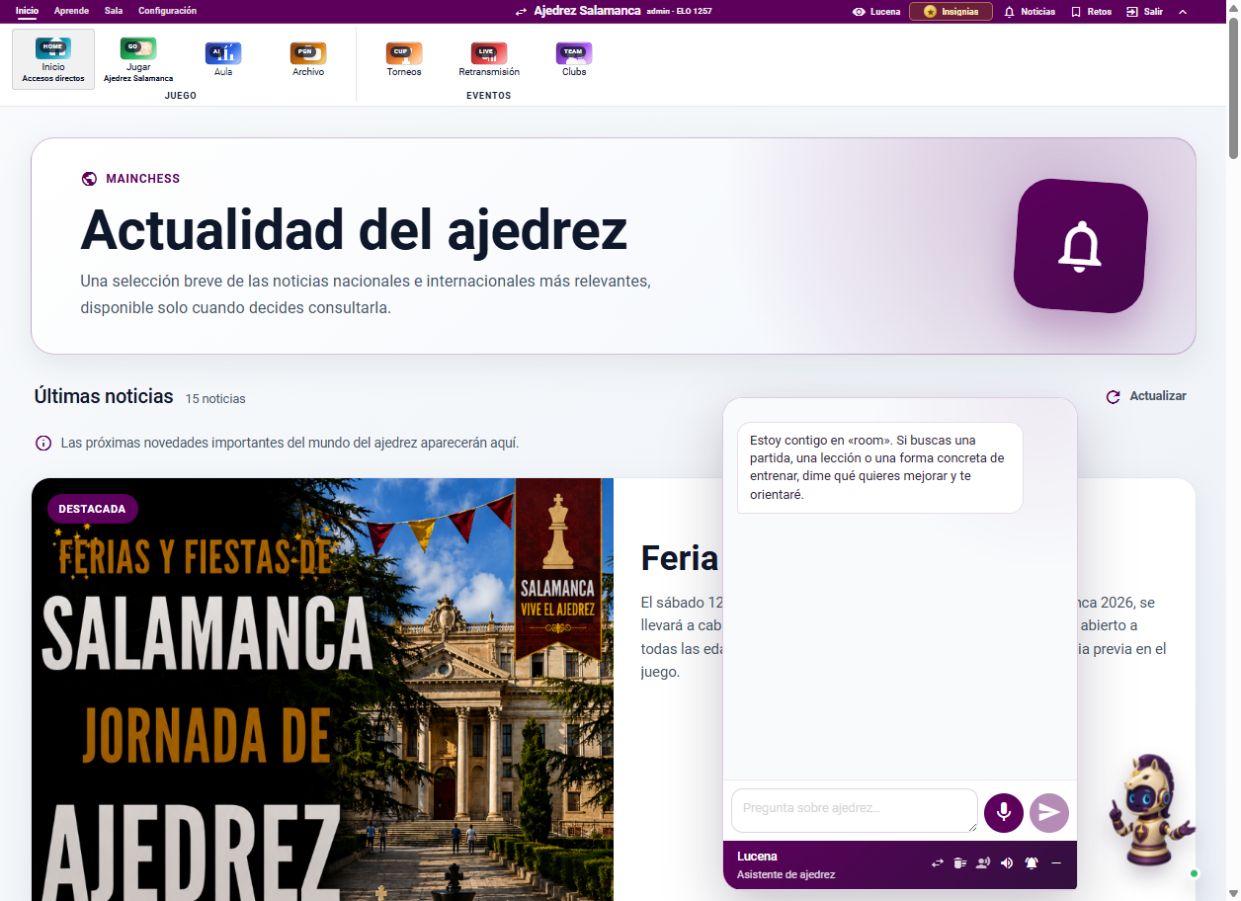
MainChess news page

News

Read a curated selection of national and international chess news from the application.

07 · Quick start

Four useful first steps

Play a bot

Open Room, choose a bot, select a level and start the game.

Ask Lucena

Open the assistant from the board and ask about the current position.

Analyze a game

Open Archive, choose a PGN and use the engine, graph and AI comments.

Create a classroom

Start from a board or game, invite students and explain the position together.